A CMake project may configure and compile successfully, then fail at the final link step with undefined reference or unresolved external symbol. The message means the linker found code that calls a symbol but could not find a matching definition in the object files or libraries it was given.
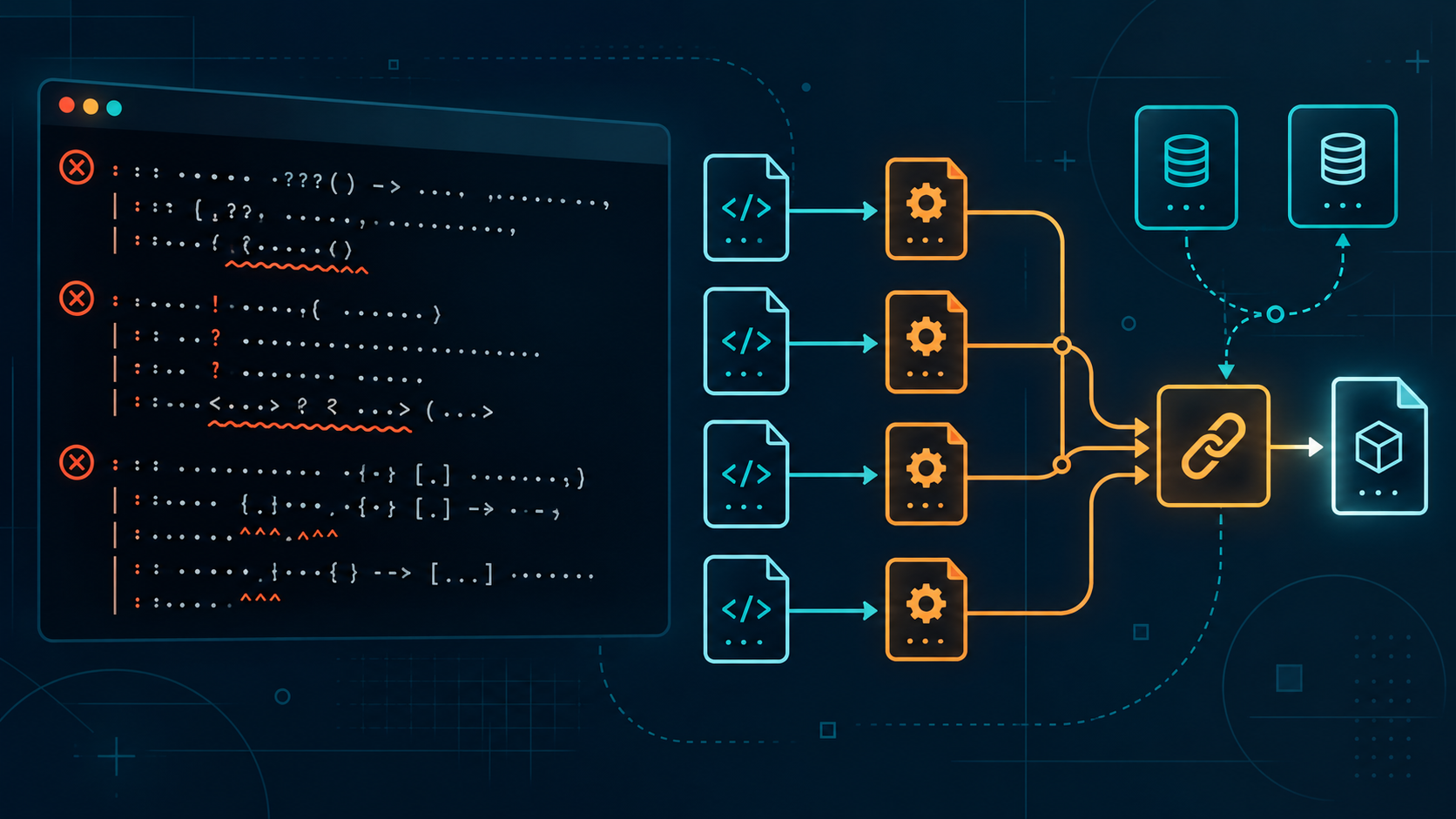
This guide walks through seven checks for C++ projects built with CMake, from adding a missing source file to inspecting the actual link command. Examples use modern target-based CMake and apply to Ninja, Makefiles, and Visual Studio generators. Start with the first unresolved symbol, because later linker messages may be consequences of the same missing dependency.
Compiler error or linker error?
A compiler error usually points to invalid syntax, an unknown type, or a missing declaration in a source file. A linker error happens later, after compilation, when build outputs are combined into an executable or shared library. Common wording includes undefined reference to on GNU or LLVM toolchains and LNK2019: unresolved external symbol on MSVC.
Identify the exact symbol and the target that is being linked. A symbol name often reveals whether the missing item is your own function, a third-party library function, or a C++ member whose signature does not match.
1. Add the implementation file to the CMake target
A header can declare a function without providing its compiled definition. If that definition lives in a separate .cpp file, CMake must include the file in the library or executable target that needs it. CMake does not automatically compile every source file in the same folder.
cmake_minimum_required(VERSION 3.20)project(Example LANGUAGES CXX)add_executable(app src/main.cpp src/greeter.cpp)target_include_directories(app PRIVATE include)
Here, greeter.cpp must contain the definition declared in the included header. For a reusable component, make it an explicit library target and link it to the executable:
add_library(greeter src/greeter.cpp)target_include_directories(greeter PUBLIC include)add_executable(app src/main.cpp)target_link_libraries(app PRIVATE greeter)
Reconfigure and build. If the error disappears, the executable was previously missing the object file that defines the symbol.
2. Link the dependency to the target that uses it
If the unresolved symbol belongs to a library, declare that dependency with target_link_libraries(). Link it to the target that directly calls the library API, rather than relying on a global linker flag or an unrelated target.
find_package(fmt CONFIG REQUIRED)add_executable(app src/main.cpp)target_link_libraries(app PRIVATE fmt::fmt)
Imported targets such as fmt::fmt carry include directories and other usage requirements along with the library. Use PUBLIC when consumers of your own library also need the dependency, PRIVATE when only its implementation needs it, and INTERFACE for requirements exposed without compiling sources in that target.
For a dependency built in your project, link the CMake target name, not a guessed file path such as libfoo.a. This lets CMake order target builds and choose the correct artifact for the active configuration.
3. Make declarations and definitions match exactly
A function declaration and its definition must have the same namespace, parameter types, member qualifiers, and calling convention. Small differences can create different linker symbol names. For example, a const member function is not the same function as a non-const member.
// greeter.hclass Greeter {public: void hello() const;};// greeter.cpp#include "greeter.h"void Greeter::hello() const { // implementation}
Include the class header in its implementation file. That gives the compiler a chance to catch signature mismatches before the linker runs. Also check that definitions are inside the same namespace as their declarations and that a template definition is visible where it is instantiated.
4. Check static library dependency order and cycles
When manually passing static libraries to some Unix linkers, order can matter because a library may be scanned before the unresolved references that need it are known. If library core uses symbols from support, the dependency relationship should represent that direction. In CMake, express it using target links instead of manually assembled -l flags.
target_link_libraries(core PRIVATE support)target_link_libraries(app PRIVATE core)
For circular dependencies between static libraries, reconsider the design or combine the related sources into one target. Repeating the same archive name may appear to work with one linker but can make the build fragile across platforms.
5. Match library architecture and build configuration
A library can exist at the expected path and still be unusable if it was built for a different architecture, compiler ABI, runtime, or configuration. On Windows, confirm that Debug and Release dependencies are paired correctly and that a 64-bit target is not linking a 32-bit library. On macOS and Linux, check architectures and shared-library versions.
With Visual Studio, CMake is multi-configuration: select the configuration at build time. With Ninja or Makefiles, configuration is typically selected when generating the build tree. Use matching dependency builds rather than copying libraries from another toolchain or configuration.
cmake --build build --config Debug --verbose
6. Inspect the verbose link command
The final link command is the ground truth for what the build actually used. Ask CMake to print commands and look for the expected object file, library path, architecture flags, and configuration-specific library.
cmake --build build --verbose
If your generator or CMake version does not print enough detail, build with the underlying tool’s verbose option. For Ninja, ninja -C build -v prints commands. Do not add random linker flags before checking the command; missing inputs and wrong target relationships are more common than a linker bug.
7. Reconfigure a stale build tree safely
After changing source lists, toolchains, or cached options, an old build directory can keep confusing state. The safe test is to configure into a fresh build directory, leaving your source tree untouched:
cmake -S . -B build-clean -G Ninjacmake --build build-clean --verbose
If the clean build works, compare its cache and generated link command with the old build. Once you know the cause, you can remove and regenerate only the build directory. Avoid broad deletion commands that might affect source files or other projects.
A fast diagnosis checklist
- Read the first unresolved symbol and identify which target should define it.
- Check whether its implementation source is listed in that target.
- Link the library target to the target that calls it.
- Compare declaration and definition, including namespace and
const. - Verify architecture, compiler, and Debug/Release compatibility.
- Inspect the verbose link command to see what is actually passed.
- Try a clean build directory to rule out stale configuration.
Frequently asked questions
Why does CMake compile but fail at link time?
Compilation checks each source file independently. Linking happens afterward and must combine definitions from all required object files and libraries. A function can be declared well enough to compile a call but still have no definition in the link inputs.
Does adding an include directory fix an undefined reference?
Usually not. Include directories help the compiler find headers. Undefined references generally require adding a source file or linking a library. A header-only library is an exception because its definitions are compiled from included headers.
Should I add linker flags globally?
Prefer target-specific CMake dependencies. Global flags can hide missing target relationships and affect unrelated executables or tests. Use linker options only when you have confirmed a specific toolchain option is needed.
Conclusion
Most CMake undefined reference errors come from a missing source file, a library not linked to the correct target, or a declaration that does not match its definition. Start with the exact symbol, verify the target graph, and inspect the verbose link command. Expressing dependencies with CMake targets is the most portable fix and makes future builds easier to maintain.
For official details, see CMake’s add_executable() and target_link_libraries() documentation.
Trace a missing symbol from call site to provider
When the first six checks do not reveal the issue, write down two things: the target that calls the missing function and the target or library expected to provide it. Then inspect the CMake graph one dependency at a time. This prevents a common debugging loop where unrelated flags are changed without proving which input is missing.
For a project-owned function, search for its definition and confirm the source file appears in the provider target. For an external API, confirm that the package was found and that the correct imported target is linked to the consumer. A header being available only proves compilation can see declarations; it does not prove the implementation library reaches the final link step.
With Ninja, a target graph can help show build relationships:
ninja -C build -t graph app
Use this as a visualization aid, then verify the actual verbose link command. If a dependency is not listed there, fix the target relationship in CMakeLists.txt rather than editing a generated build file. Generated files are overwritten the next time CMake configures the project.
Check C and C++ name linkage
A C++ compiler encodes function names to represent namespaces, overloads, and types. If a C++ source file calls a function implemented by a C compiler, the C++ declaration may need C linkage so both sides agree on the symbol name. Many C libraries provide headers that already handle this with an extern "C" guard. Prefer the library’s official header instead of writing a conflicting declaration yourself.
Name-mangling mismatches can also happen when a dependency was built with an incompatible compiler or ABI. In that case, linking a file with the right name is not enough. Use a compatible package build or rebuild the dependency with the same toolchain and relevant ABI settings as your application.
Why does adding a header not solve the linker error?
A header normally supplies declarations, types, and inline definitions to the compiler. A separately compiled implementation still needs its source file or library in the target’s link inputs. Include paths and link dependencies solve different stages of the build.


Leave a Reply